What it is
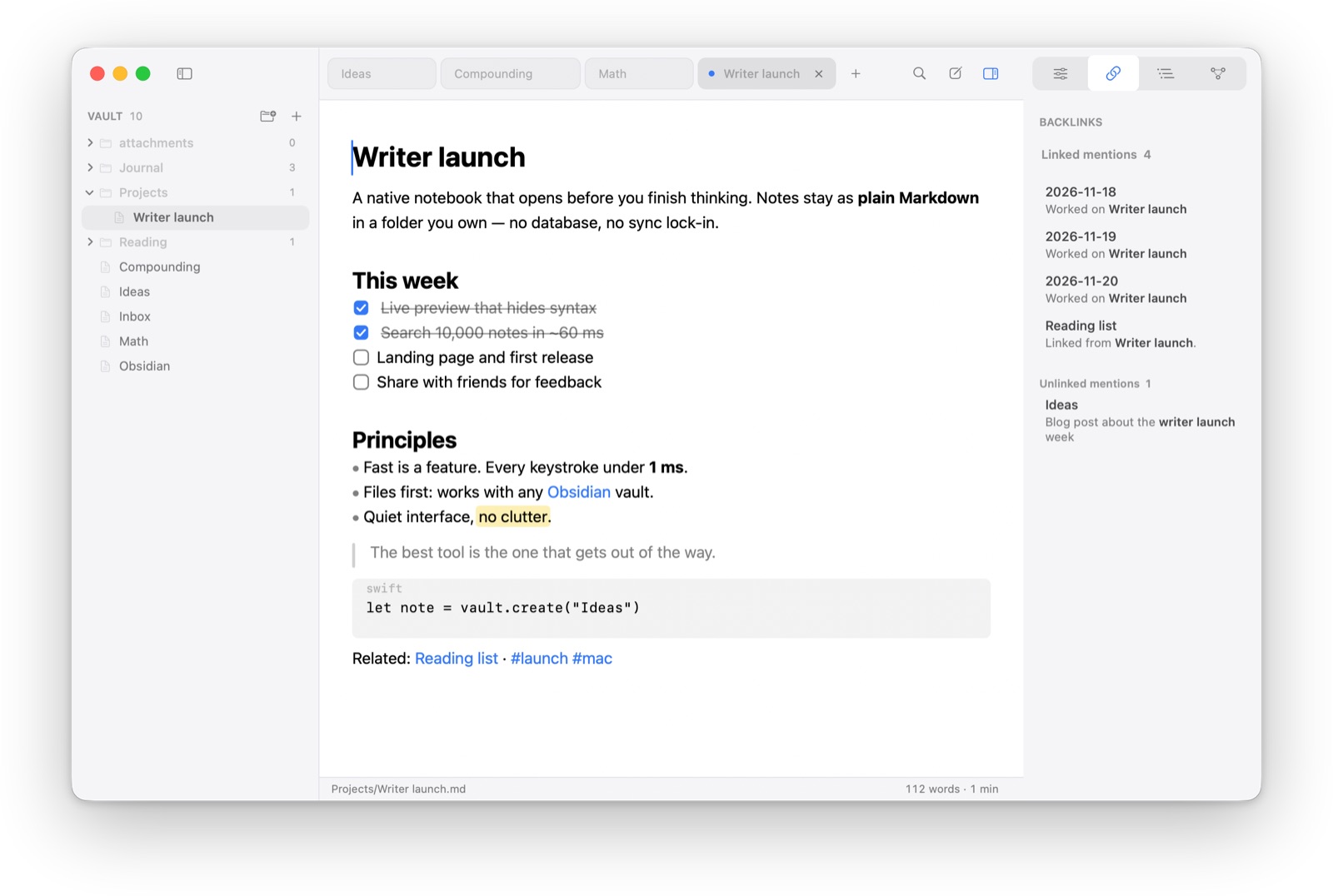
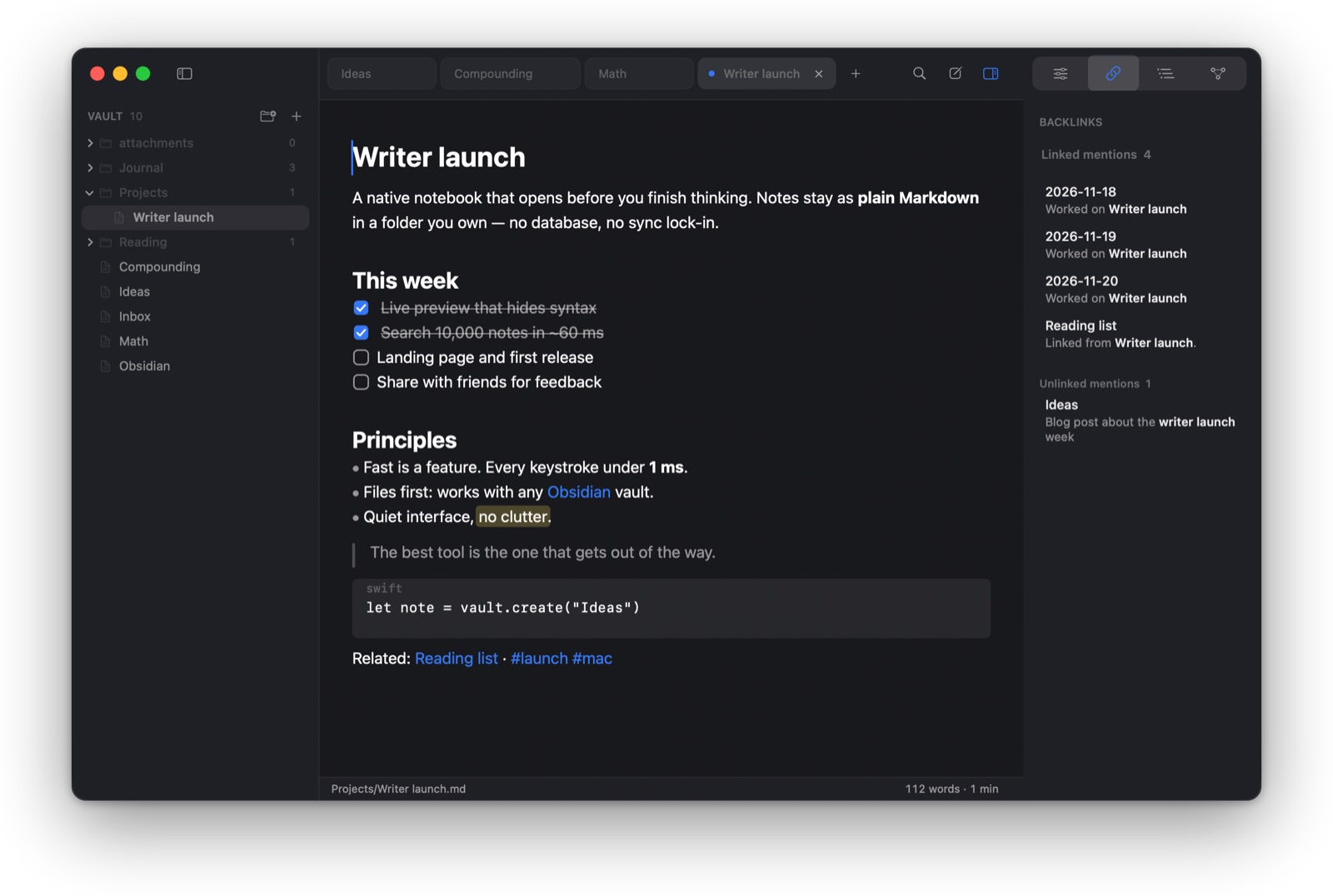
Writer is a Markdown notebook for the Mac, written in Swift. I wanted Obsidian’s way of working, a folder of plain Markdown files with links between them, in an app that starts instantly and stays small. Every note is a .md file in a folder I pick, so any other editor can open the same notes.
It has:
- Live preview. Headings, lists, checkboxes, quotes and code look formatted while the Markdown syntax stays in the file.
- Linked notes.
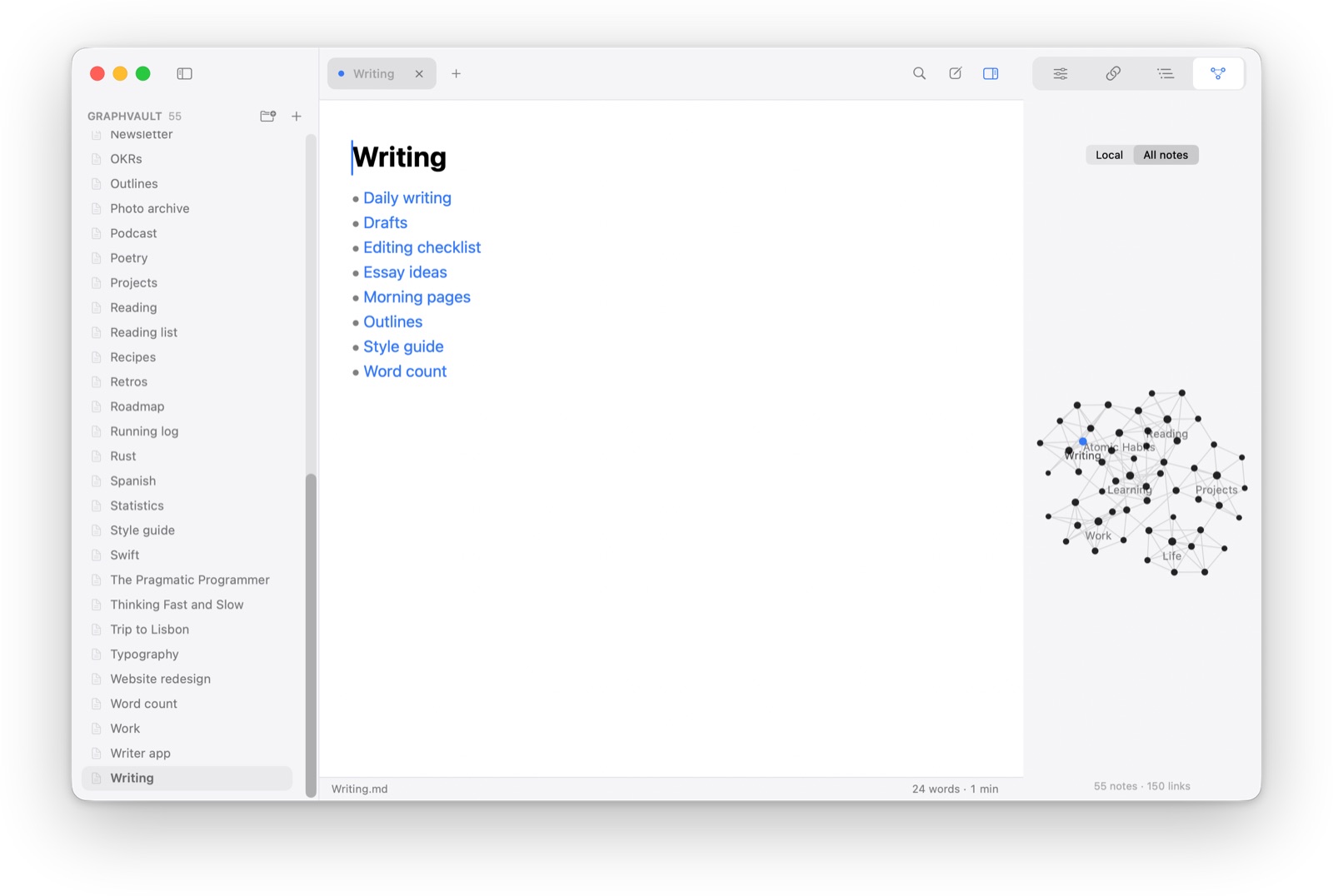
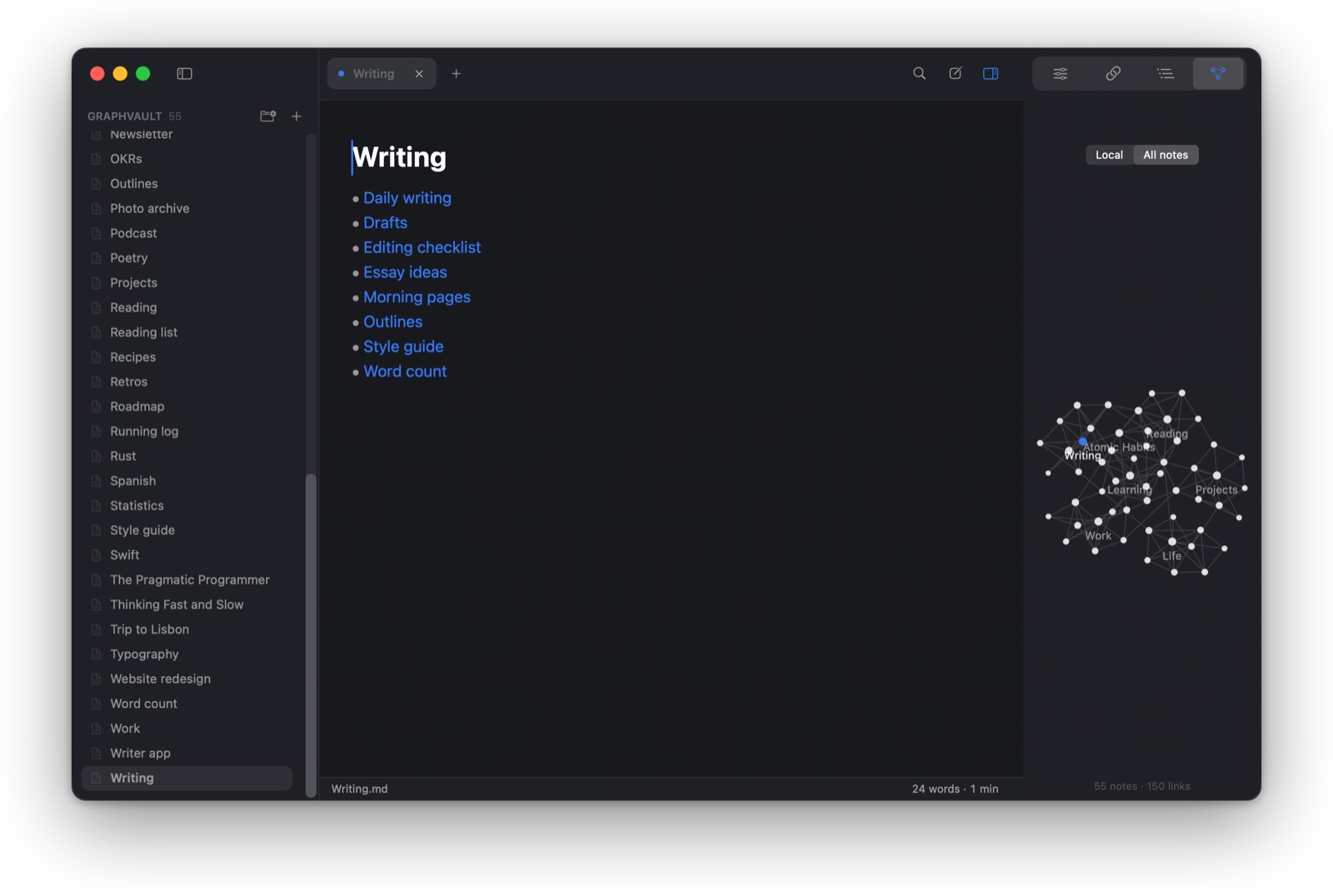
[[wiki links]]with autocomplete, embeds, #tags, backlinks with unlinked mentions, an outline and a graph. - Front matter as fields. Properties are edited as a form in the side panel.
- Math and diagrams. MathJax and Mermaid, rendered only when a note has them.
- Getting around. Tabs in the title bar, Quick Open, a command palette and search across every note.
- Writing tools. Daily notes, templates, quick capture from any app, focus and typewriter modes, and an optional Vim mode.
- Getting notes out. Print to PDF, HTML export, copy as rich text, and publish a note as one self-contained HTML page.
It installs from a 2.1 MB disk image and updates itself in place.
How it works
- Editor. The Markdown characters stay in the text and are laid out at zero width in live preview. A custom TextKit layout manager draws checkboxes, bullets, rules and code backgrounds itself, so the file on disk stays plain Markdown. Large files are styled in slices, visible text first.
- Search. The vault is read with low-level file I/O into reused buffers. Files that can’t match are skipped with a quick byte check, and the search runs on up to four cores and cancels as I type.
- Figures. A hidden web view starts only when a note has math or a diagram. Results are cached on disk, and the view closes a few seconds after the last render.
The app is about 9,000 lines of Swift. Headless tests drive the real editor.
Speed
Measured with the repo’s benchmark script on an Apple silicon MacBook, using a generated vault of 10,000 notes and a 5 MB note.
| Task | Time |
|---|---|
| Launch to an open note, 10,000-note vault | about 0.35 s |
| Scan 10,000 notes | about 40 ms |
| Search the text of 10,000 notes | 65 to 160 ms |
| Open a 5 MB note | about 16 ms (was 92 ms before 0.11.1) |
| Keystroke in a short note / in the 5 MB note | 0.4 ms / 2 ms |
| Memory, idle with a note open | 40 to 60 MB |
| CPU at rest | 0.02% to 0.1% |
Memory stays flat after opening 900 notes in a row.
Stack
Swift, AppKit, TextKit 1, WebKit for MathJax and Mermaid, Swift Package Manager, macOS 13 or later. The website is static and hosted on Vercel.